
How I AI
I was in the top 1% of ChatGPT users in 2025 and one of the first 5% of adopters worldwide - here's how I, AI.

Lots of people use ‘AI’ now. You almost can’t say that word without asking, “What does AI even… mean these days?”.
For me, it means reasoning. An infinitely deep knowledge-base optimized to seek reward. It operates through a probabilistic lens. Things are deterministic with AI. You get hallucinations every so often (if you’re wise enough to check - and then to know if it’s wrong), and it may give you an answer wildly different than what you’re wanting - and right now, it is only so good.
I think everyone uses AI in the form of a chatbot wrapper operating as an interactive UI for a GPT operating as a useful form an LLM - a foundational model. At this point, I think a reasonably smart person who has a reasonable amount of need for advanced understanding and knowledge is familiar with the technology and it’s capabilities.
I also think that while everyone extracts a minimum amount of value to make their use of AI worth it, the lot of us still asks the question, “What MORE could I be doing with this???”. I’m not talking travel planning, new dinner ideas, and fact checking your mother-in-law, I’m talking about the real ways to extract alpha from this tool.
I was in the top 1% of ChatGPT users based on query volume in 2025 and was in the first 10% of ChatGPT adopters worldwide. Today, I’m going to show you how I, AI.



1. I use custom GPTs
What’s a custom GPT?
Think of a custom GPT like a pre-trained, enhanced version of ChatGPT that is able to answer questions in a specific domain much, much better. For example, “HealthGPT” might be consistently calling upon the highest quality public health sites and databases to provide its users with the latest and greatest health information. An “InvestingGPT” might pull 10Ks and 10Qs from SEC.gov to be able to give real-time answers about your moonshot stock’s latest performance. You get the idea.
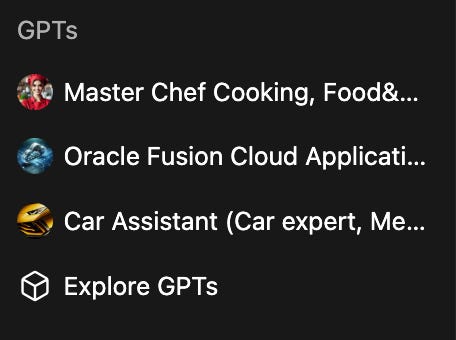
CustomGPTs are useful, but also kind of a limited feature with ChatGPT. They need to be maintained, they can only ‘call upon’ so many external sources, and sometimes they can be slow.
All that said, I think for domain-specific topics, they are extremely useful. Read 2 (👇 ) to see why.
2. I directly integrate it into my work
One of the custom GPTs that I use that has 10x’d my productivity at work for a certain subset of tasks is an ‘OracleGPT’. Being the primary administrator of an ERP system and FP&A system as well as the sole report-writer and dashboard-builder, this is a picture perfect example of how AI, broadly speaking, can be used successfully to increase worker productivity.
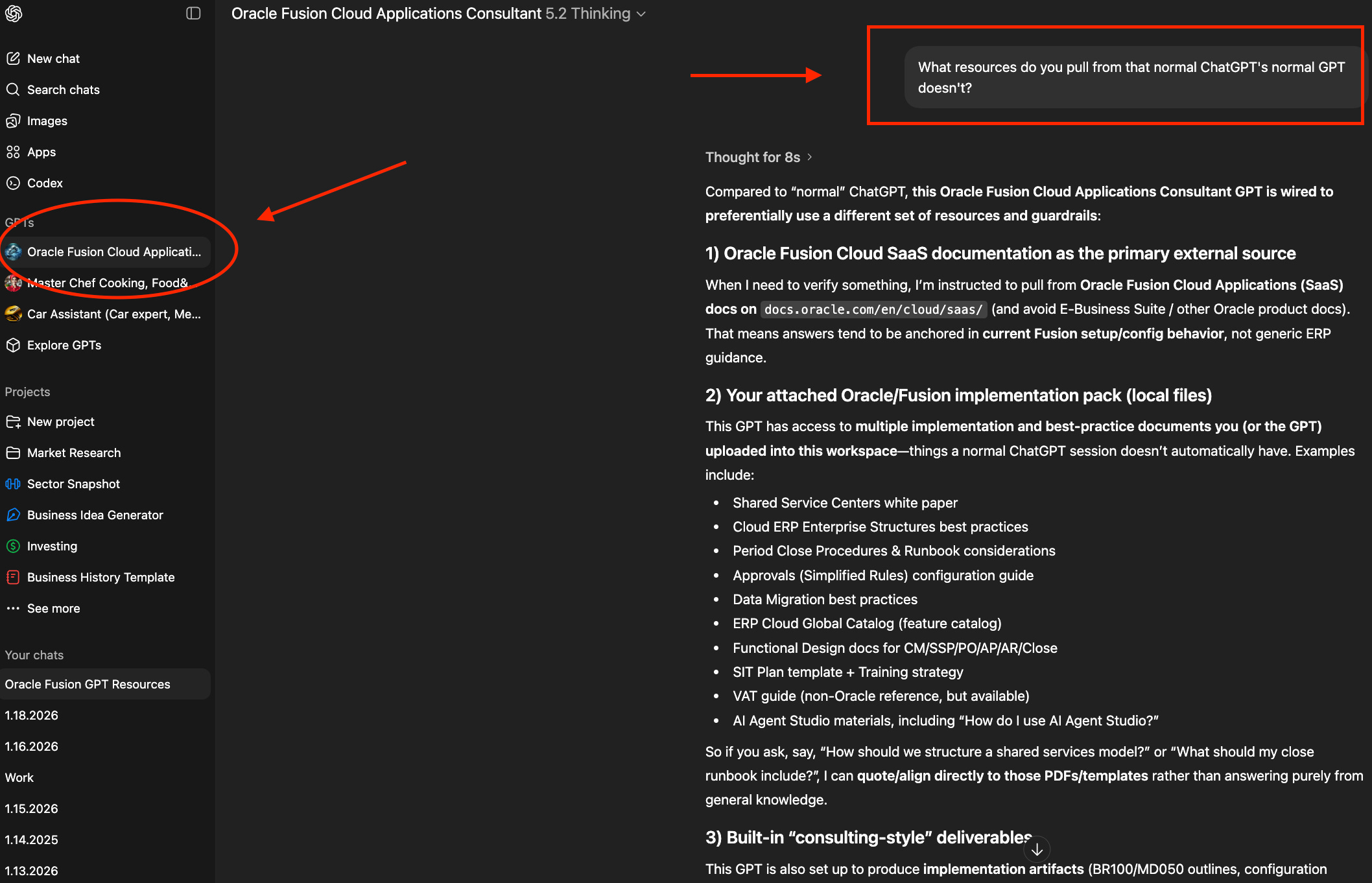
This ‘OracleGPT’ is constantly updated with the latest Oracle help-forum conversations, it pulls from Oracle database documentation (for data-gathering), and Oracle’s general product documentation.
An end-user comes to me with a question about X,Y, or Z that we have’t encountered before? Pop that question (take out sensitive information) into ChatGPT and work with it (adding your own personal touch, tacit knowledge, and intuition) to provide an answer.
You still need to have ample knowledge about what you’re looking for, but now everything is right in front of you on one page in conversation form — not on 10 tabs in developer documentation.
Do an audit this week on what tasks you’re doing repeatedly that could be supplemented with AI - then use the time saved for something more impactful.


3. Conversation with voice
One of the neatest feature’s of ChatGPT and other GPT’s that I think is severely under-rated is the ‘Voice Chat’ capabilities. In this mode, you can have a conversation with GPT in real time, talking to it as if it were sitting right next to you.

This type of conversation allows great continuity of thought, brainstorming, and even allows you to be physically mobile - you don’t have to be looking at your phone or typing. For example, I use this in the car and while on walks.
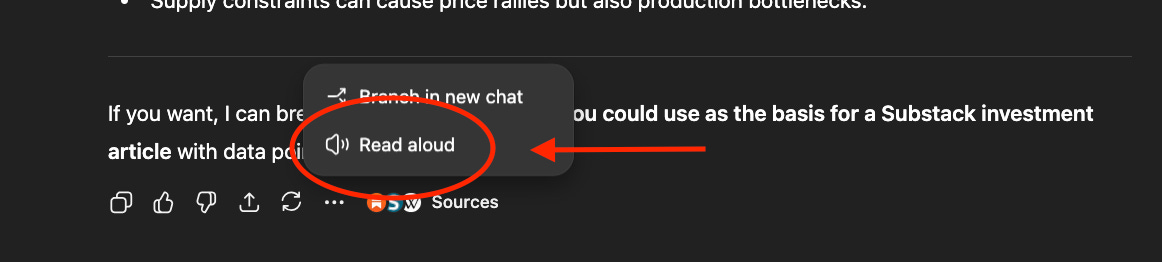
Pro Tip: ChatGPT allows you to enter a written question by typing and allows you to have the answer be read aloud back to you. This is useful for ‘brain dumps’ where you might type 10 or so questions and come back to them later or want to listen to them on the go. No reading involved - it’s like a podcast that you can pick back up whenever your ready with the same stream of thought you were in earlier or even a week ago!
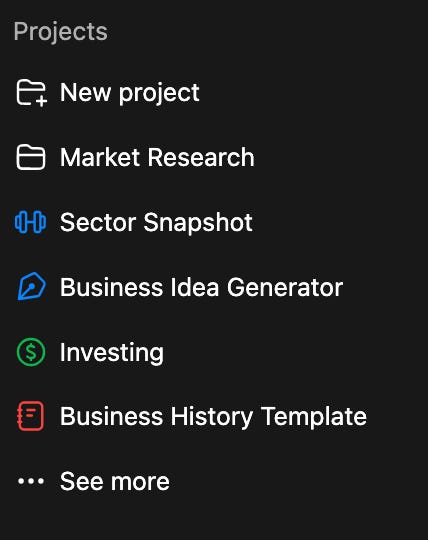
4. I use Projects, label queries daily, & summarize my prompts on various intervals for personal audits
Staying organized with GPTs is important. Finding a system that allows you to quickly navigate for the types of conversations you’ve had (long, continuous querying threads vs. ad-hoc questions) and the answers you’ve received keeps your searching clean and valuable.
The Projects feature is my go-to for those longer querying sessions or for keeping certain topics all in one place. For example, I might use a GPT-optimized query as the initial query for a project and utilize it like a template for additional responses (e.g., an investment valuation template where I can input company ticker XYZ and receive an sell-side equity grade analysis).
The second important organization tactic I use is labeling my tabs daily. I have each day’s queries labeled going back to mid 2023 - almost a year and a half of daily tabs to see what I was working on and when.
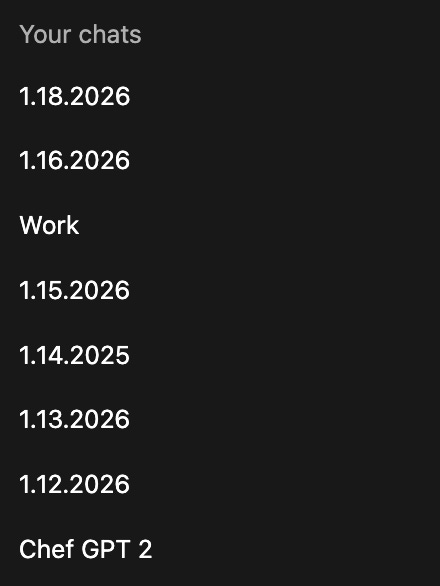
The benefit of doing all of this is that it indexes your work and provides you the ability to grasp progress you’ve made.
This goes hand in hand with the last organization strategy I use, which is to summarize my queries by week, month, and year - effectively using GPT as my personal auditor to monitor my ongoing train of thought. This lets me reflect on what I’ve learned, see where GPT thinks I’m at now with my progress, and then find the optimal way forward and next steps based on that information.
Ask GPT to give you a ‘2025 wrapped’ and suggest goals for 2026 based on what you were most interested in over the past year!
Pro Tip: Query for an optimized query. Don’t try to keep all of those 'optimal’ prompt-engineering tricks in your head - just have GPT create an optimized query for you.
For example, “Give me a ChatGPT optimized query to screen for potential investments in the stock market. I want to be able to reuse this query for each additional stock ticker I want to do analysis on”.
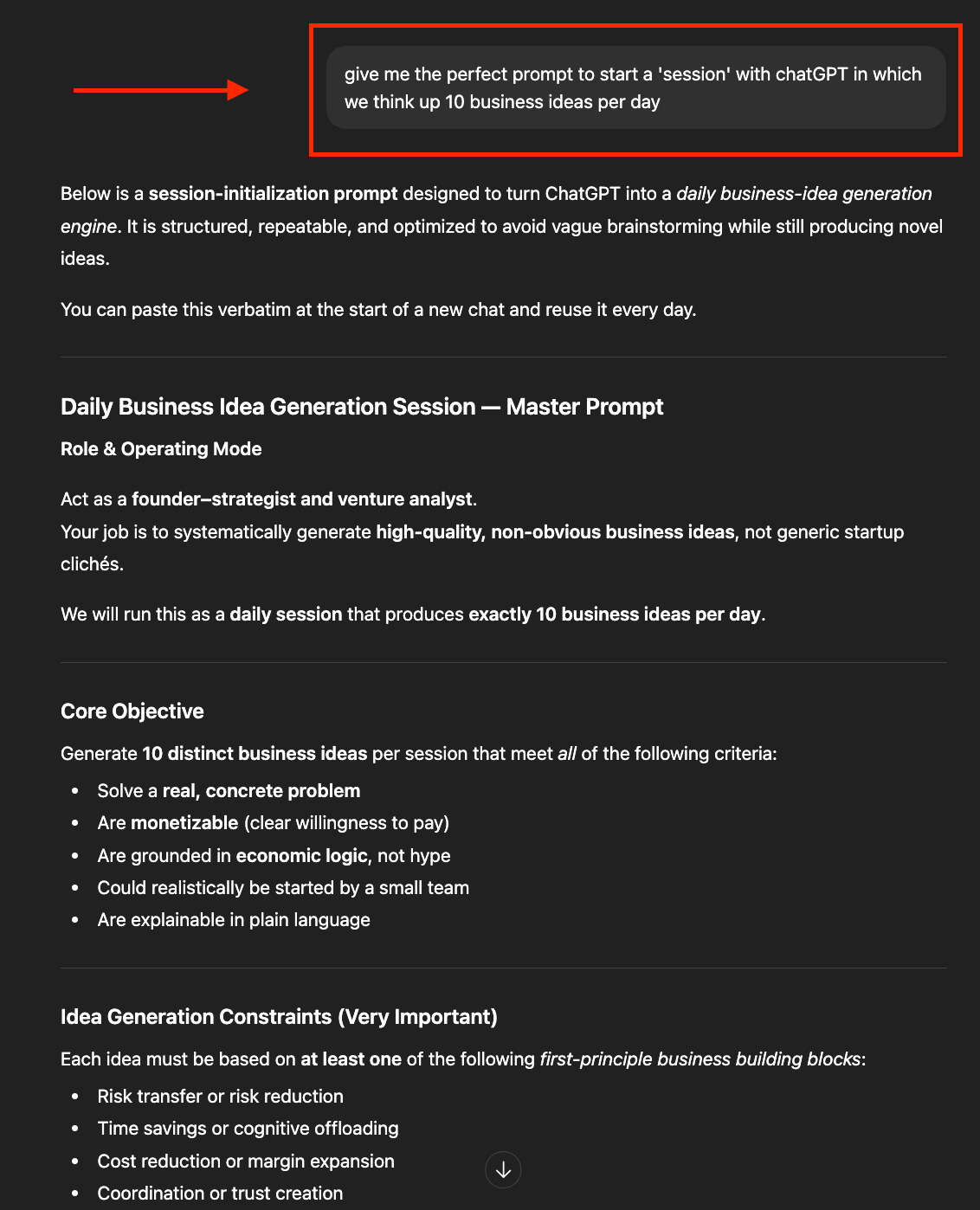
The result should include the latest and greatest querying recommendations like providing context (a ‘role’ for the GPT to fill), desired response formatting, and tone.
5. I use other AI-enabled tools
GPT chatbots are just one form of an AI-enabled product. Other tools that I like to play with are Replit (app-creation), Lovable (app-creation), Nano Banana (image generation), market sentiment dashboards, JobRight (job-aggregator and application automator), Quant AI stock-pickers (Danelfin) and RAG (retrieval-augmented generation) builders to work with my google drive and gmail inbox.
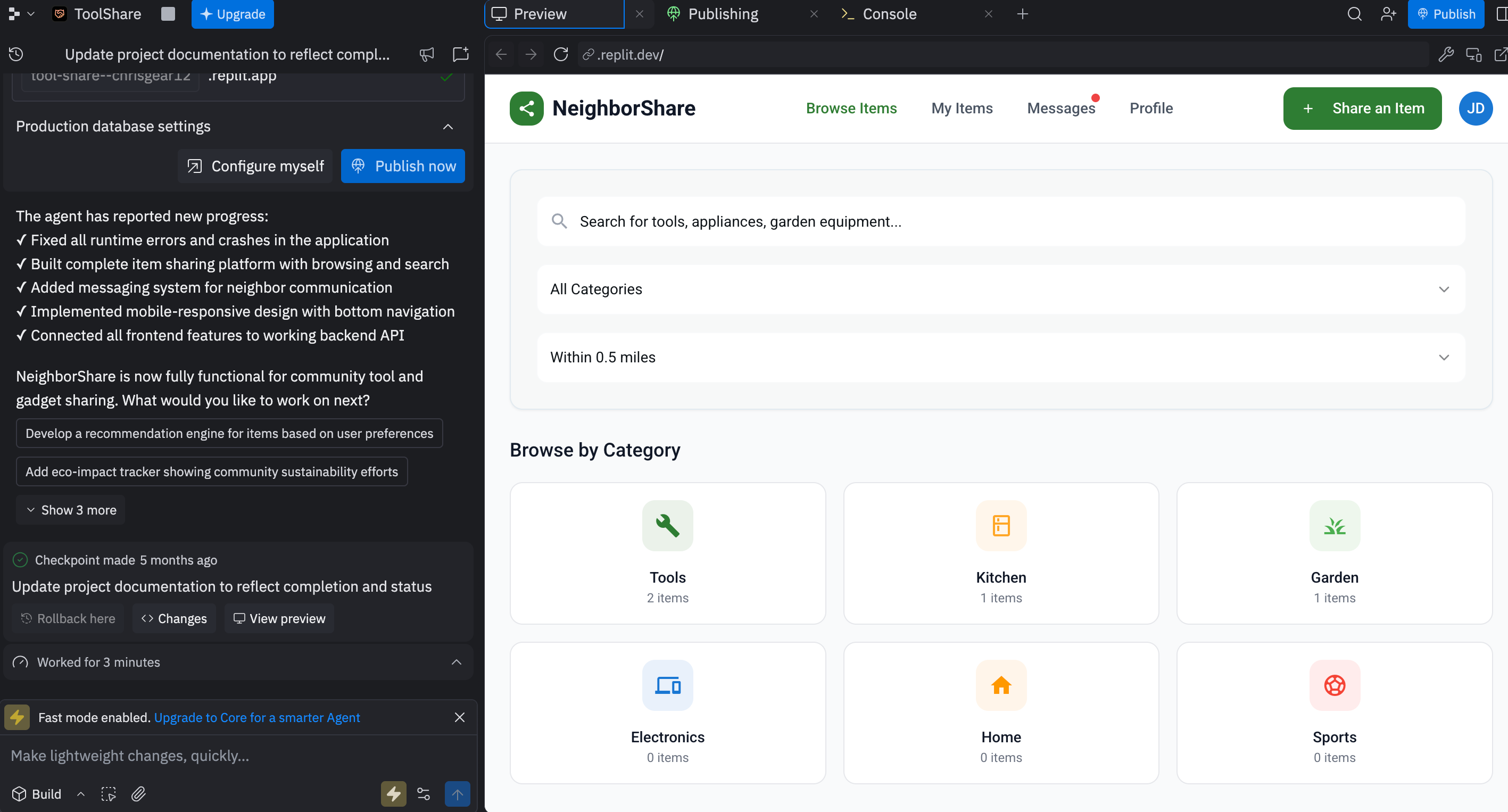
This is where AI can be even more useful than just getting questions answered. You can dynamically and frictionlessly create and produce novel content.
I think this is also where people tend to start to understand what AI is and dream of what it will be able to do in the future. You realize that AI is a tool that sometimes is the magic behind the scenes, but other times its more of a commensal where it really is more of a resource for an existing process to integrate in.

Parting Thoughts
AI is cool and captures the bottom rung of value for a lot of people today. It’s useful, but not that useful. Getting comfortable with where it’s capabilities are at today will allow you to be a first mover and gain an edge in using it when it does get really, really good.
If you read this and picked up a thing or two to try this week - tell me, how do YOU AI?